

Snap → color guide
Take a quick pic of your page — we’ll colorize it into a clean guide image you can follow while you color.
Snap a photo of your coloring book page, pick a vibe, and get a clean color guide + palette to follow. Great for beginners, and fast enough for pros who want consistent marker palettes.
See how it worksBefore
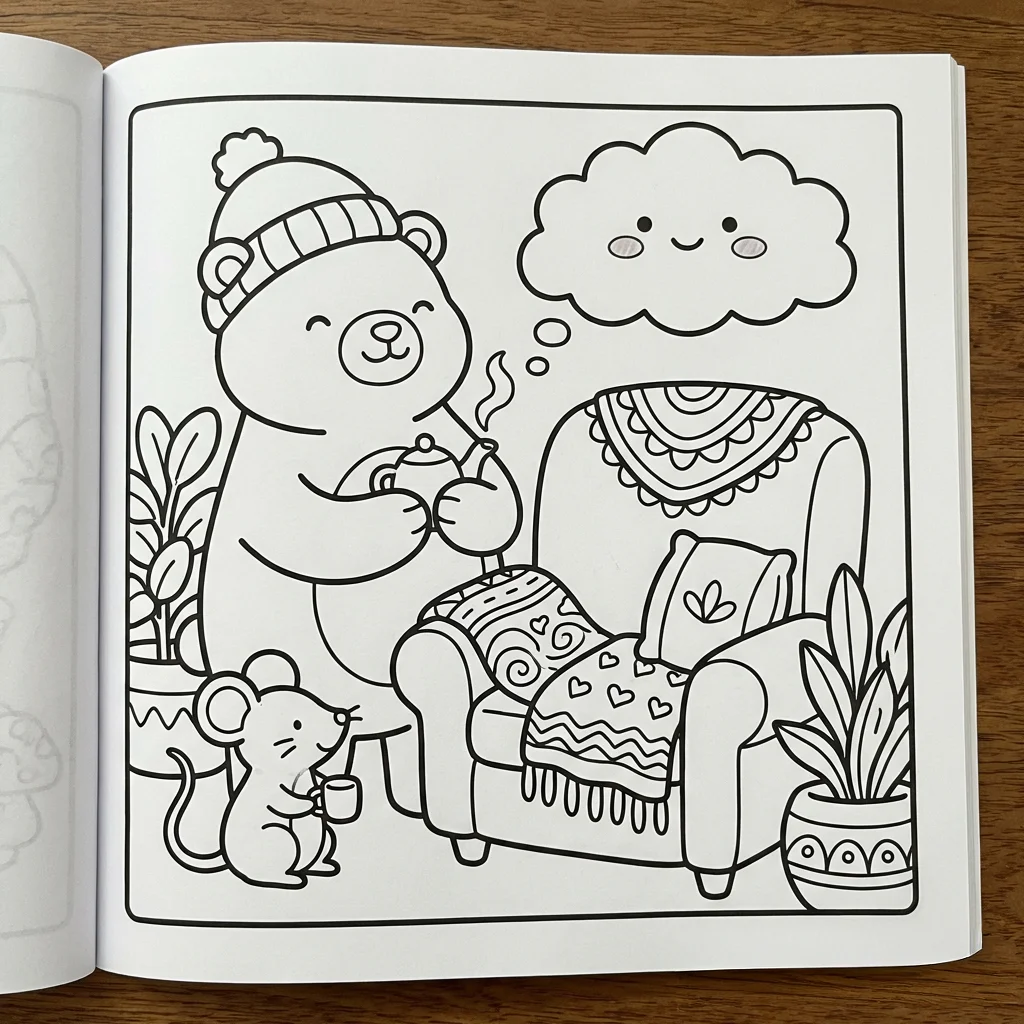
A photo of your coloring book page.
After
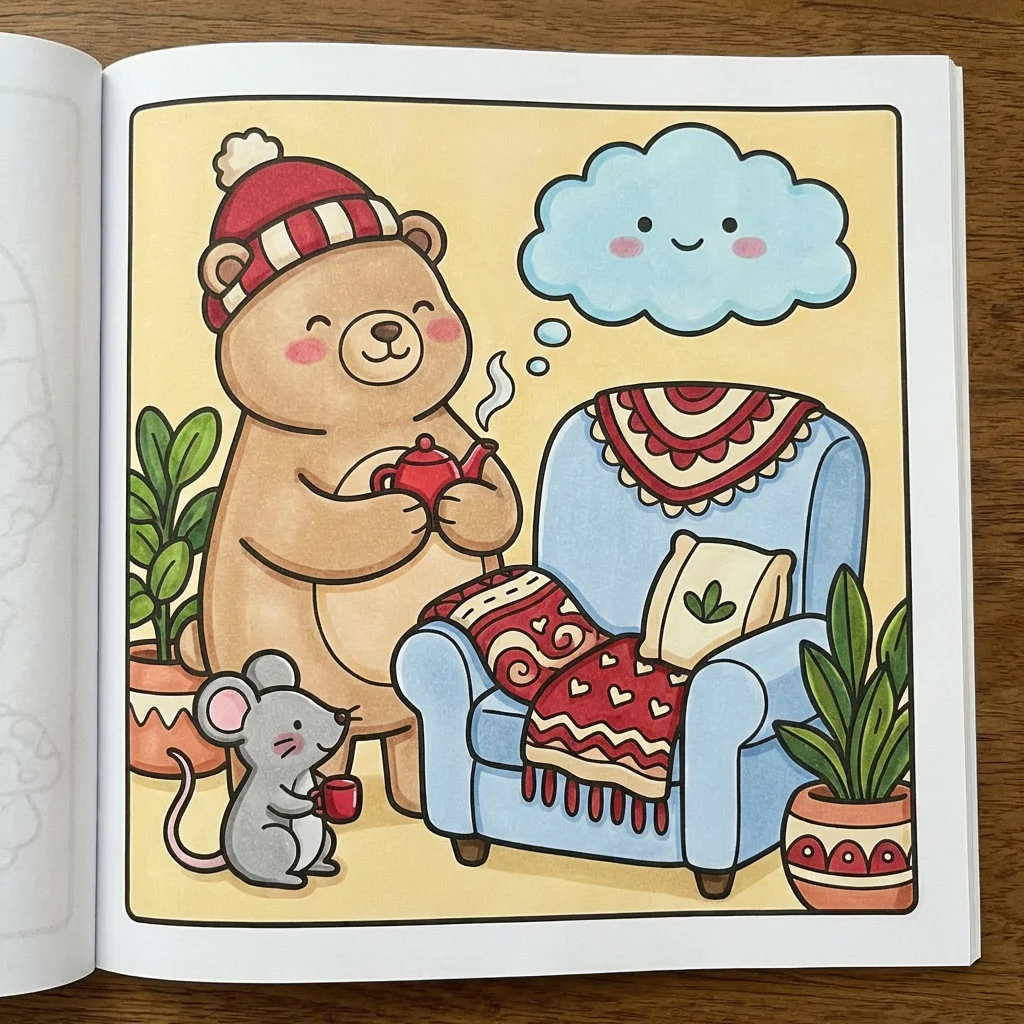
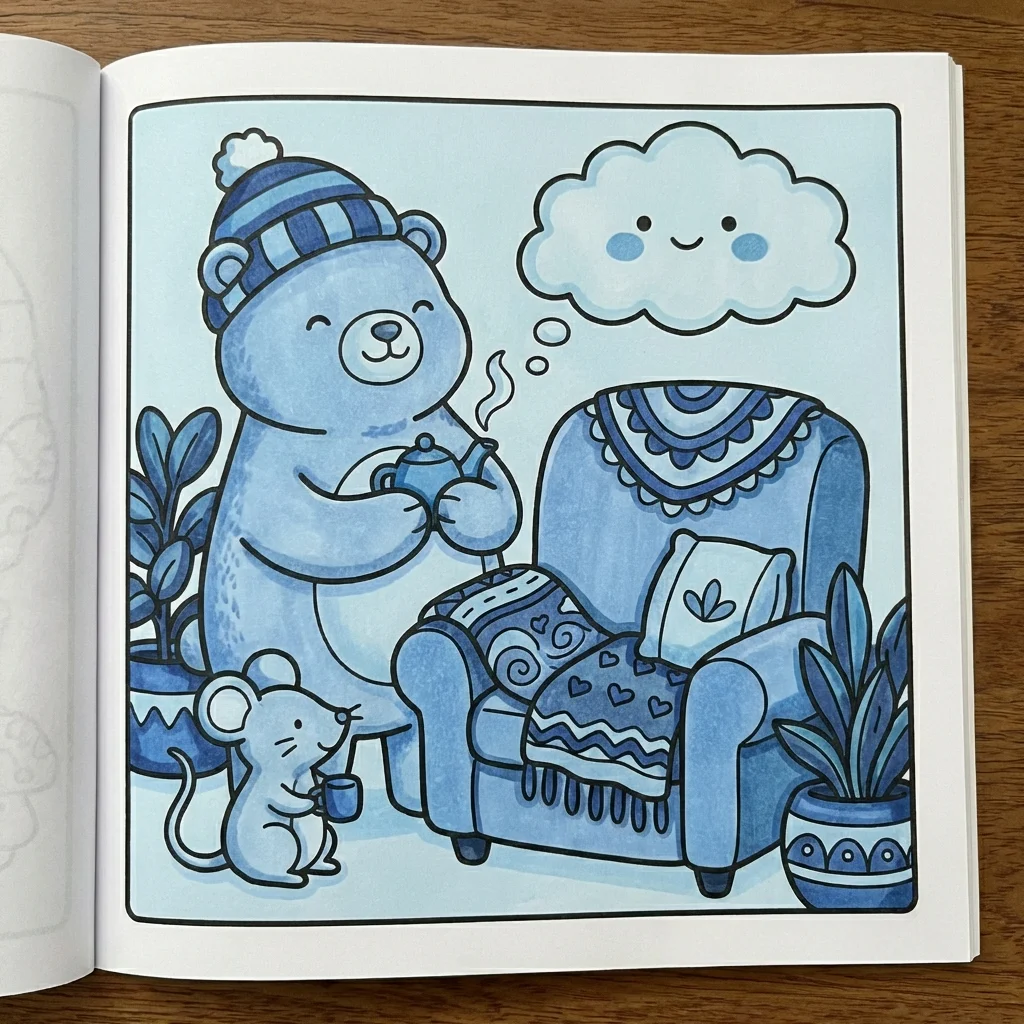
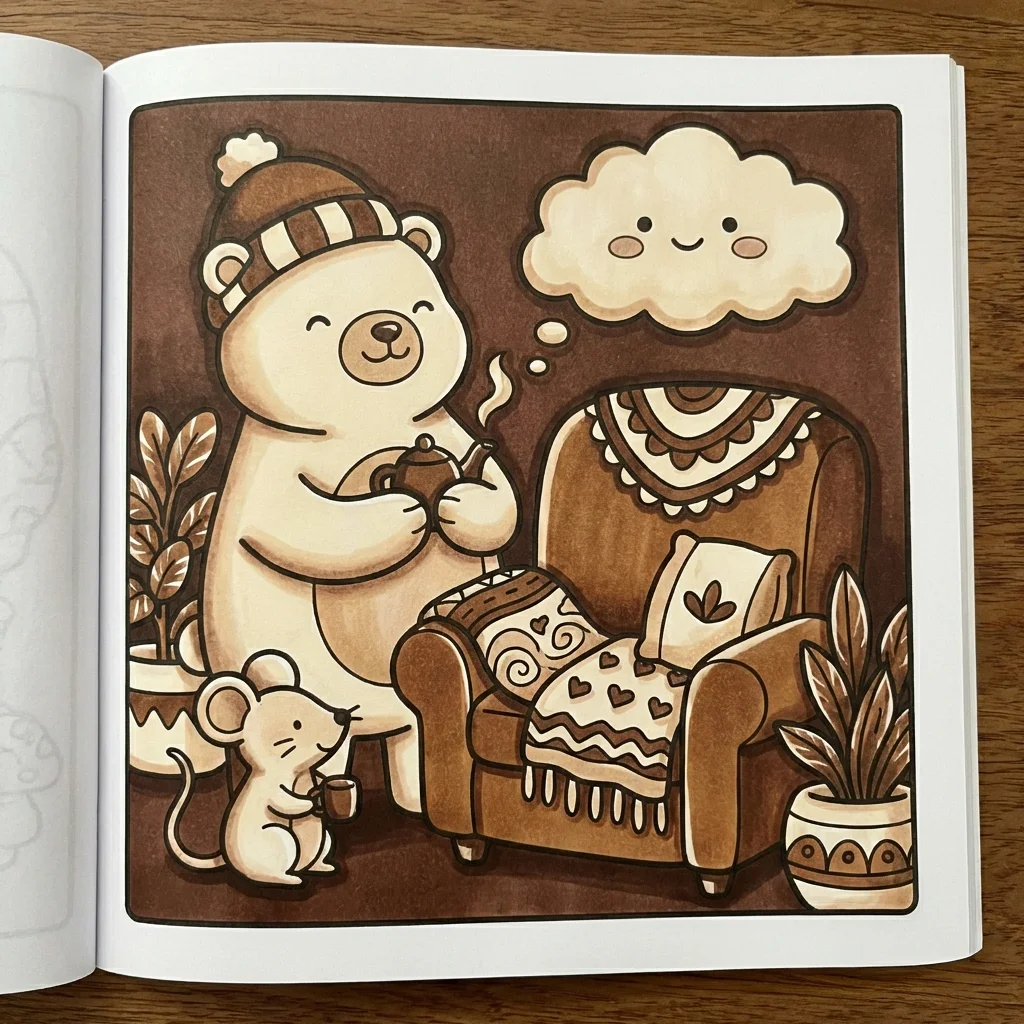
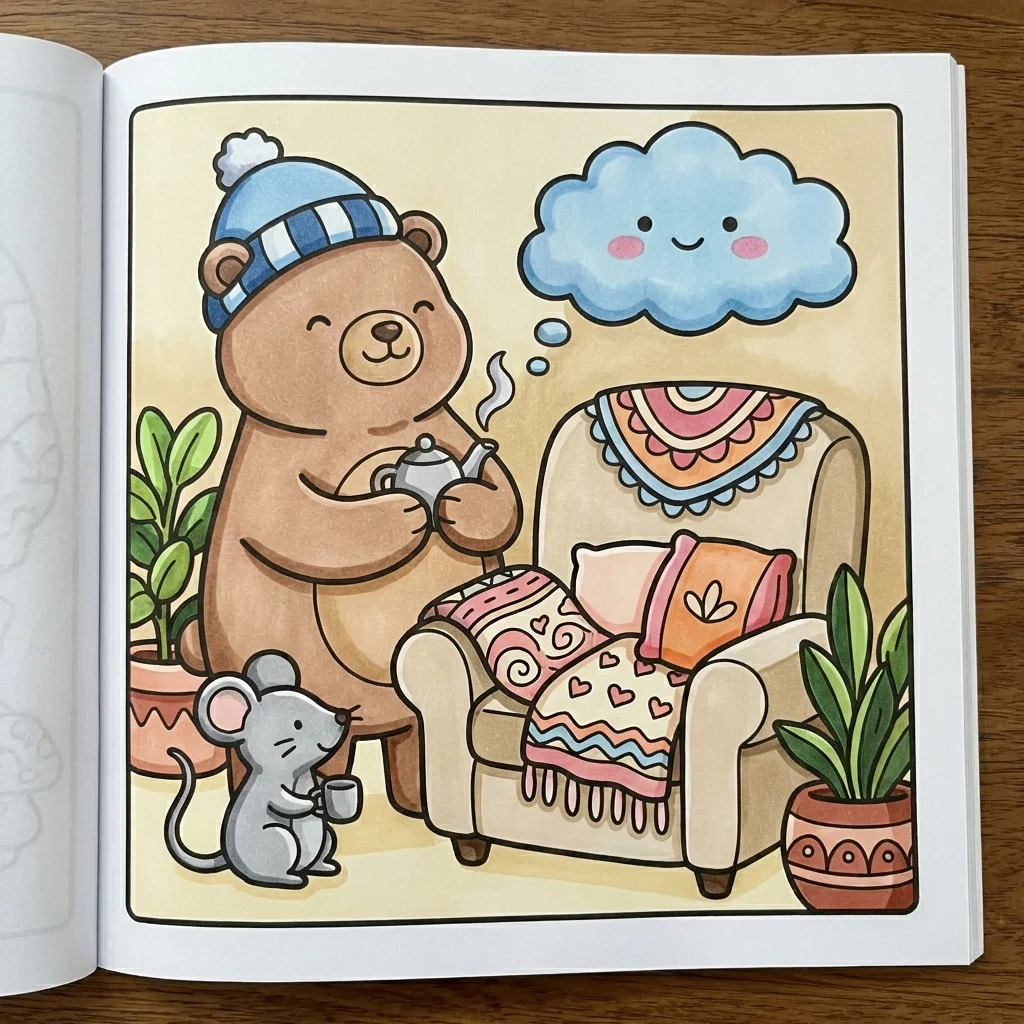
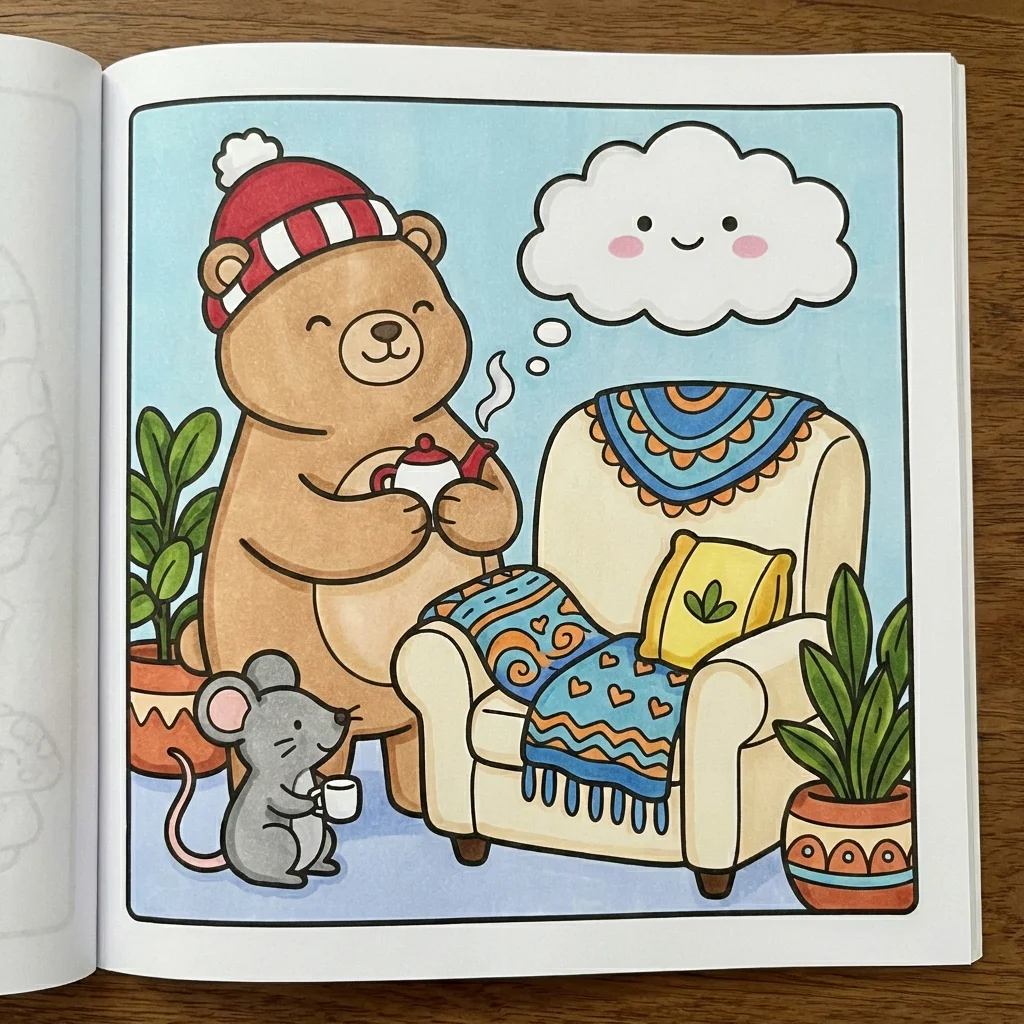
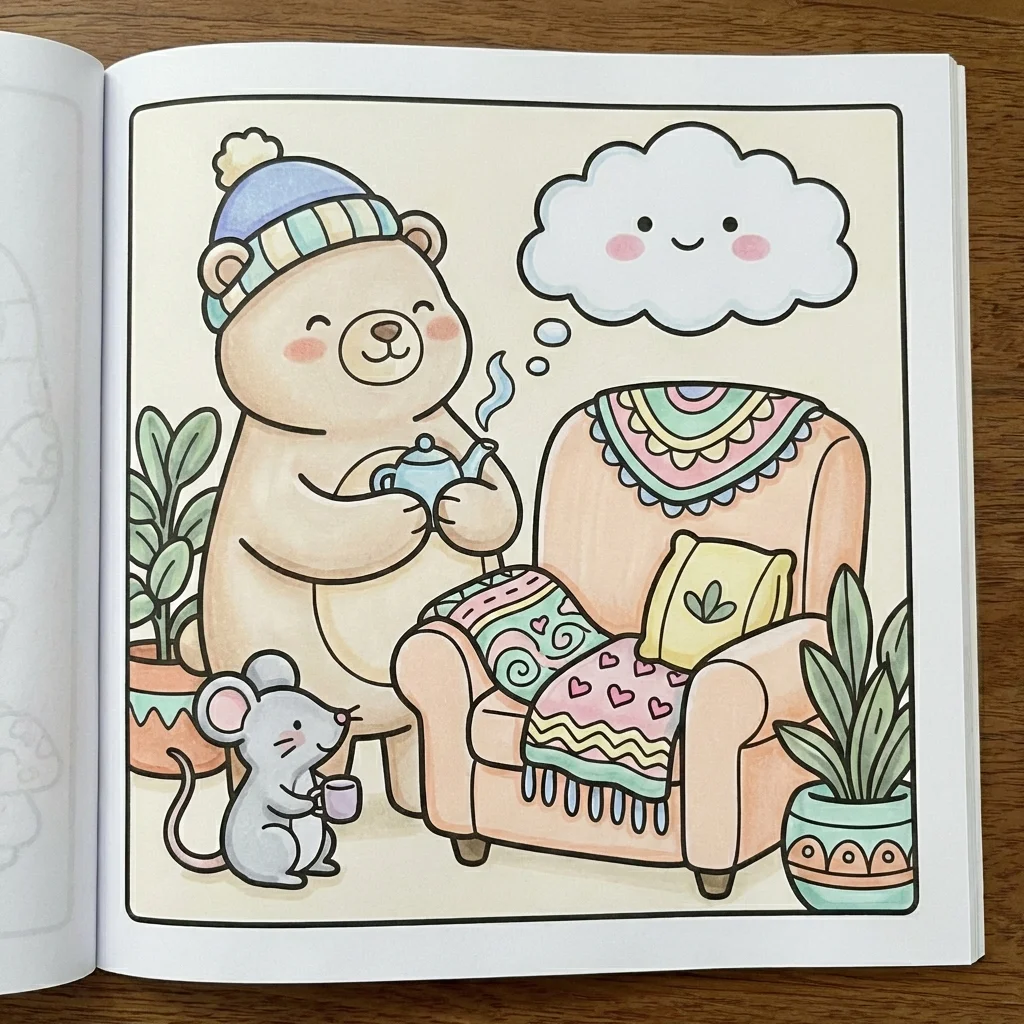
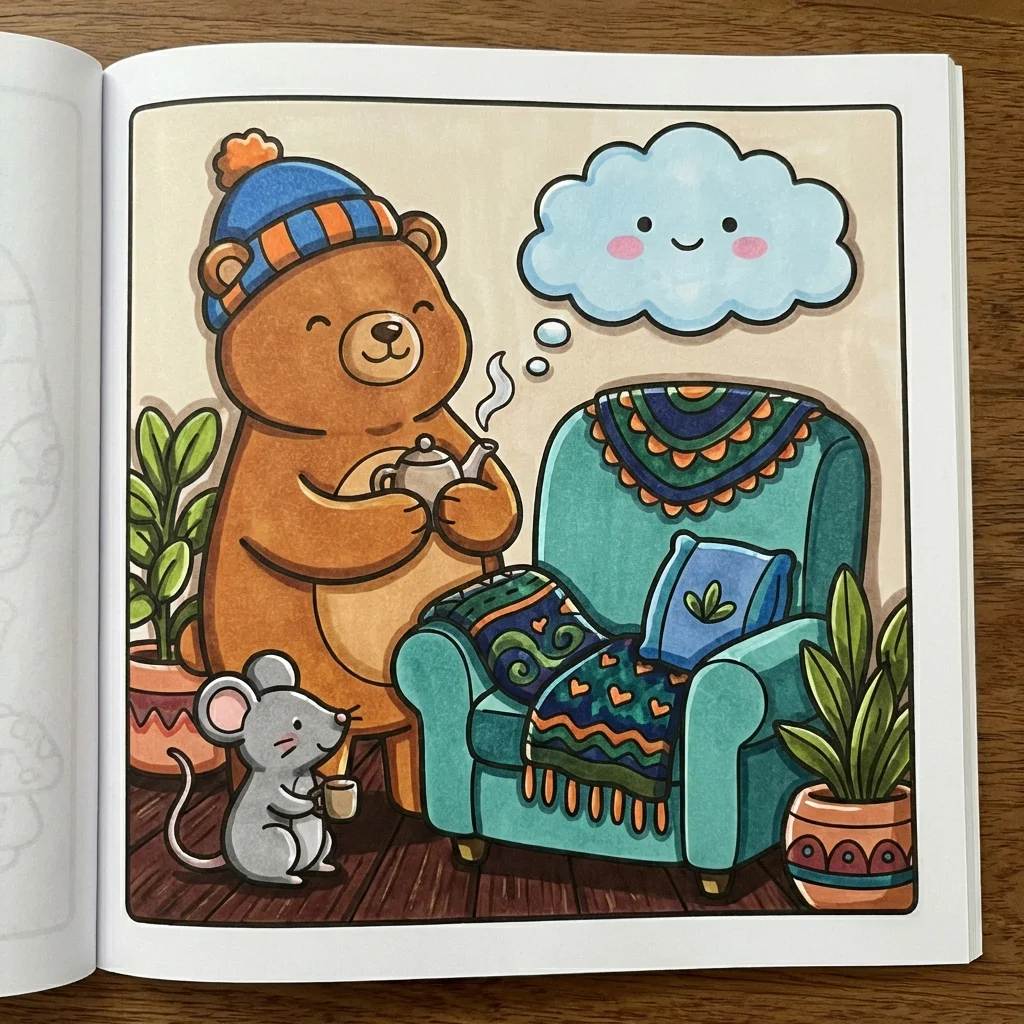
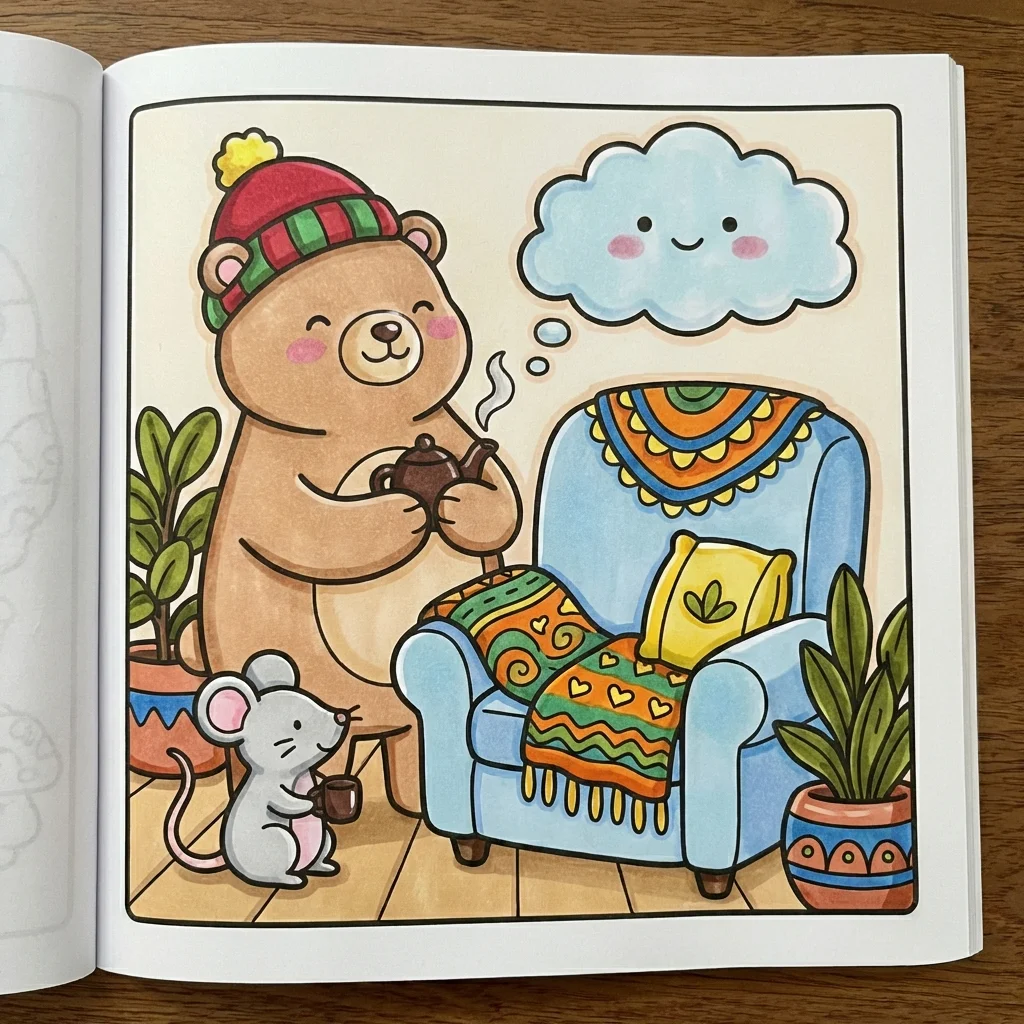
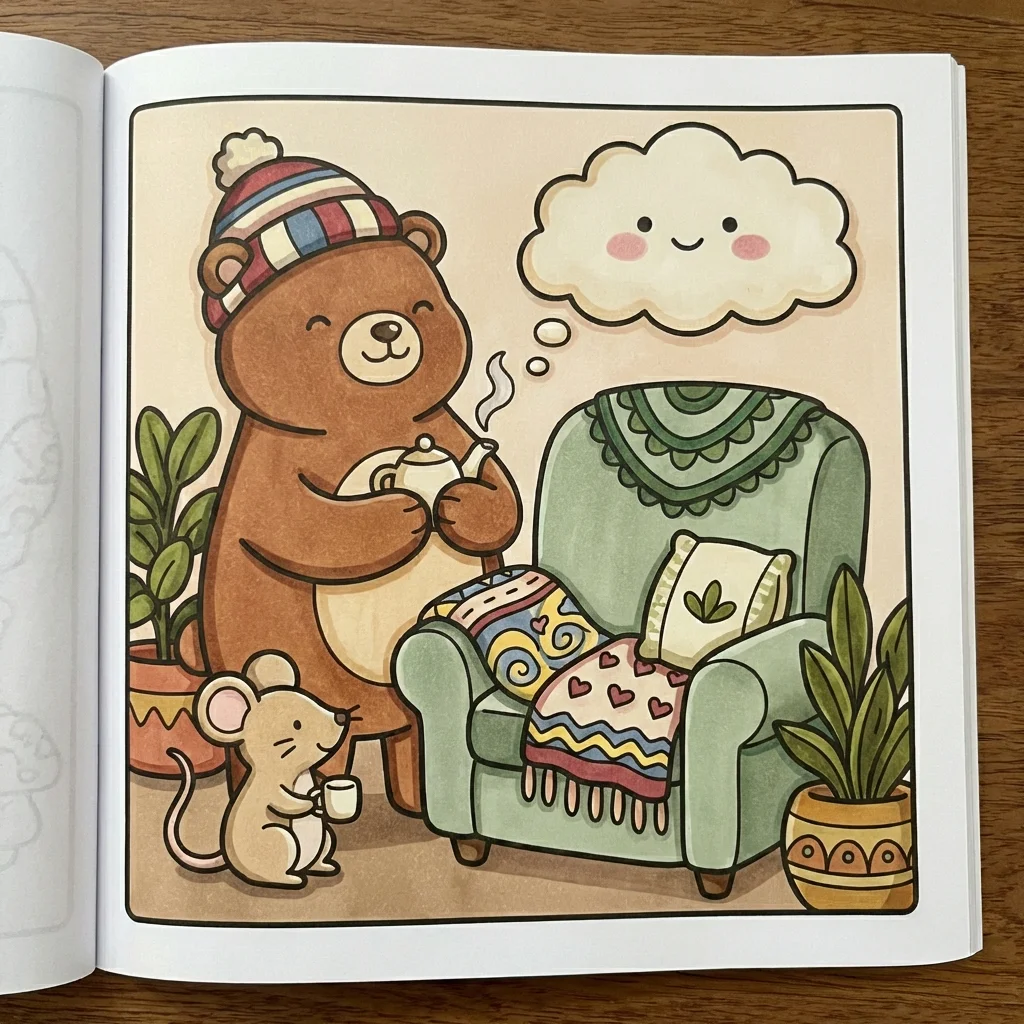
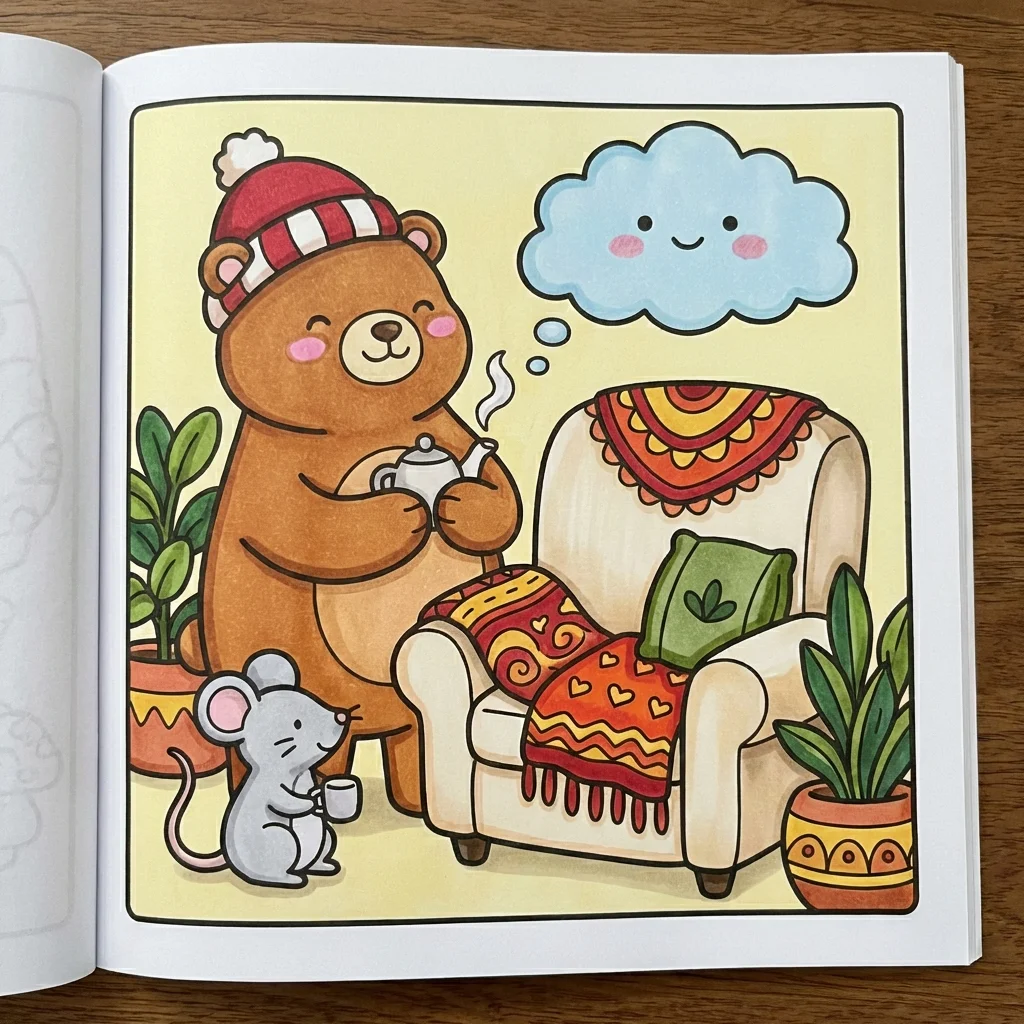
A color guide + palette-ready colors.
Take a quick pic of your page — we’ll colorize it into a clean guide image you can follow while you color.
Cozy, kawaii, pastel, vintage, storybook — choose a style and Kolorio keeps it cute.
Save your favorite marker colors so every page matches — perfect for themed books.
Keep it simple: page photo → vibe → palette → color guide. Repeat it page after page.
Take a photo of the coloring book page you want to color.
Pick a style and (optionally) your palette so everything stays consistent.
You’ll get a colorized guide image to follow while you color — ready to save and share.
25 colorizations every 30 days + premium styles
Free plan includes 1 colorization per 7 days. Need more? Go Pro.
Fresh AI coloring trends, buying guides, Ohuhu comparisons, paper advice, YouTube Shorts ideas, and step-by-step marker tutorials.
Photo guides, printables, mindful coloring, and short-video ideas that fit Kolorio.
Pets, gifts, classrooms, cozy books, and simple palette kits people want to share.
A repeatable before/after workflow for page reveals, palettes, and traffic back to Kolorio.
Yes — Kolorio is built around clean regions, strong contrast, and palettes that look good with markers.
Yep. Save palettes and reuse them so every page matches your style.
No. Start with a photo of your coloring page + a vibe, and Kolorio does the heavy lifting.
Up to 25 colorizations per rolling 30 days, premium styles (Vibrant, Vintage, Storybook), and no ads.
Yes. Kolorio adapts to iPhone Duo’s cover and inner displays, with side-by-side image and color controls when there’s enough space.